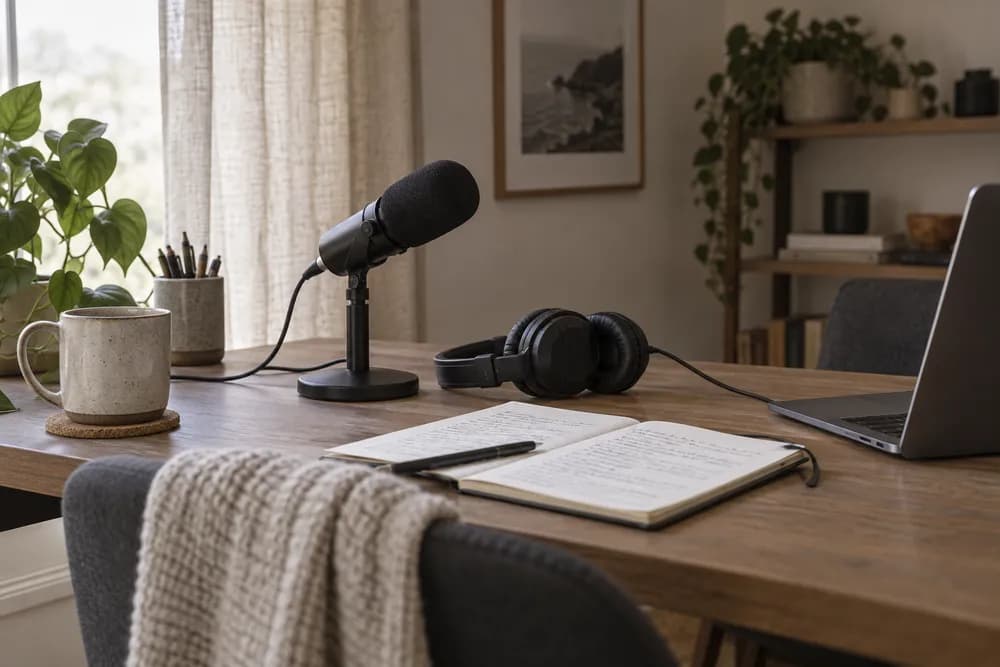

Connect KINOAI to ChatGPT
Add KINOAI as a custom connector, sign in, and choose what your assistant can access.
https://kinoai.studio/mcpCreate images, videos and audio. Manage your studios. Use your KINOAI account, right from your assistant.
Your workspaces · Your KINOAI credits · Your controlAdd KINOAI as a custom connector, sign in, and choose what your assistant can access.
https://kinoai.studio/mcpEnable KINOAI in your chat. Start with your workspace, then describe what you want to create.
Ouvrir ChatGPT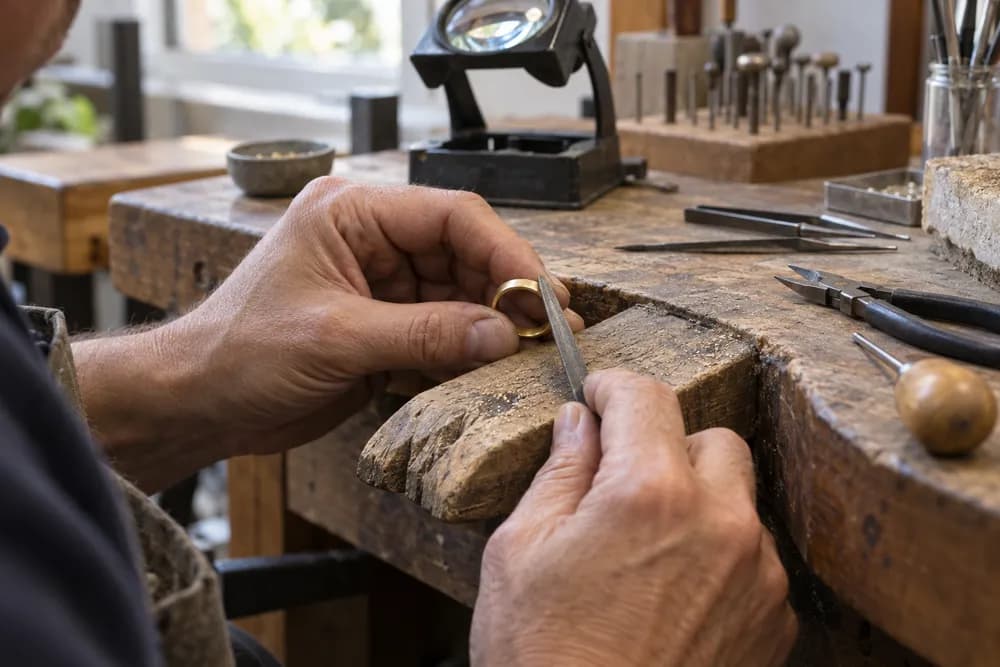 Example directionA new perspective on your product.
Create listing photos for my handmade ring. Keep its exact shape and texture, with a simple neutral background.
Start with a direction. Your assistant helps shape the brief and find the right tools.
Illustrative workflow. Available tools depend on your connection permissions.
A few ideas to take into your next conversation.
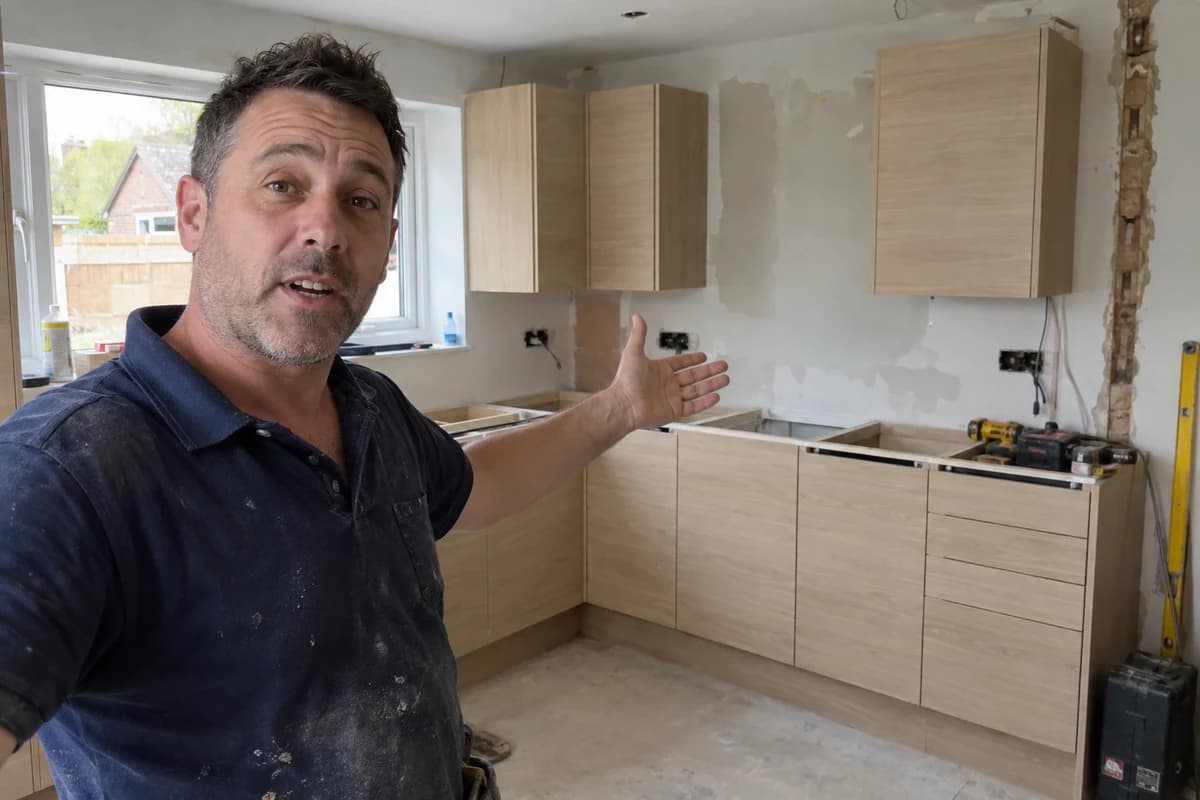 Vidéo
VidéoShow the work. Explain what comes next.
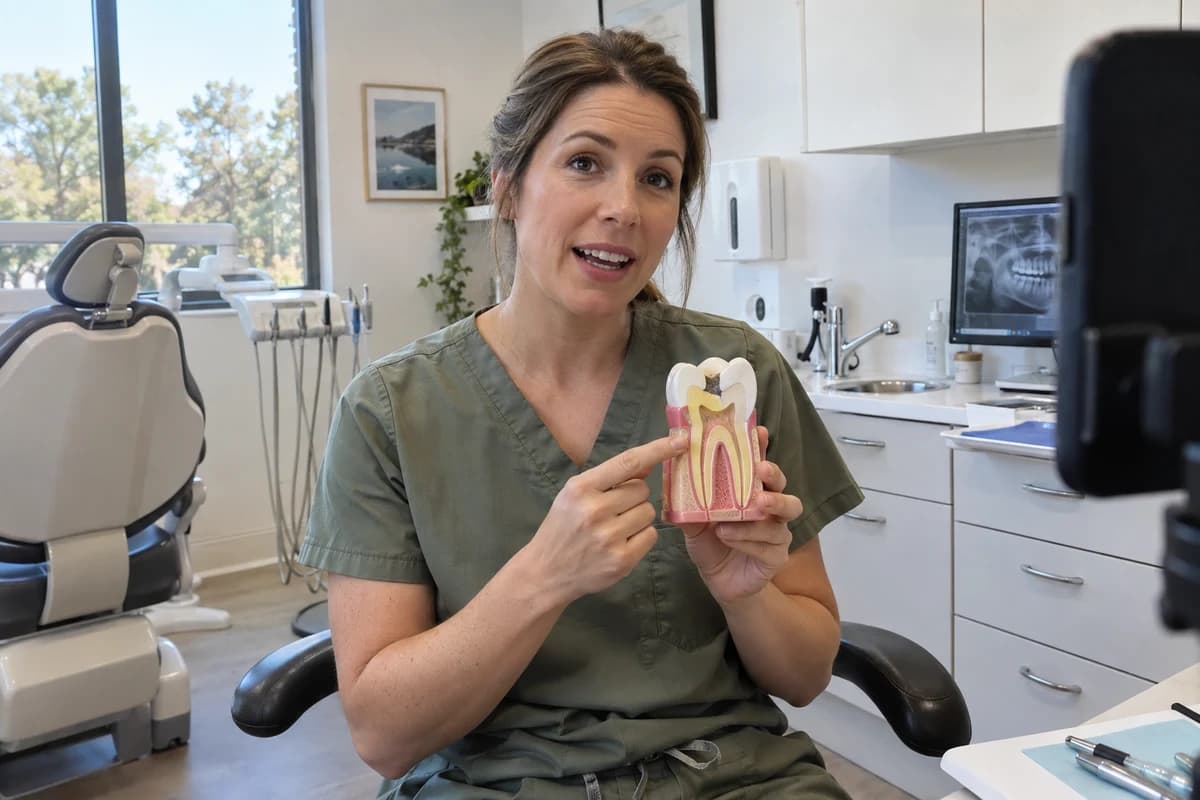 Vidéo
VidéoMake your next patient question a clear story.
ImageFrom your workbench to your product listing.
Keep your ideas in the spaces you already use.
Review estimates before you create.
Choose what to share. Disconnect anytime.
Everything you need before you connect.
Explore image, video, audio and studio workflows with your assistant. Available actions depend on the tools enabled for your connection and your workspace permissions.
Generations use your KINOAI workspace balance. Your ChatGPT or Claude subscription is separate. Ask for a credit estimate before generating; browsing this page and copying prompts does not generate media.
Your connection can only access workspaces and actions you authorize. Review the permissions shown during sign-in, and tell your assistant which workspace to use before edits or generation.
Connect using your KINOAI sign-in. You do not need to share provider API keys or paste your password into a conversation.
Yes. Remove or disconnect KINOAI in your assistant’s connector settings. Review any running jobs in KINOAI separately; disconnecting does not automatically cancel work already submitted.
Made in conversation. Saved in KINOAI.