Your jewelry
Upload a product photo, CAD render, sketch or existing campaign reference.
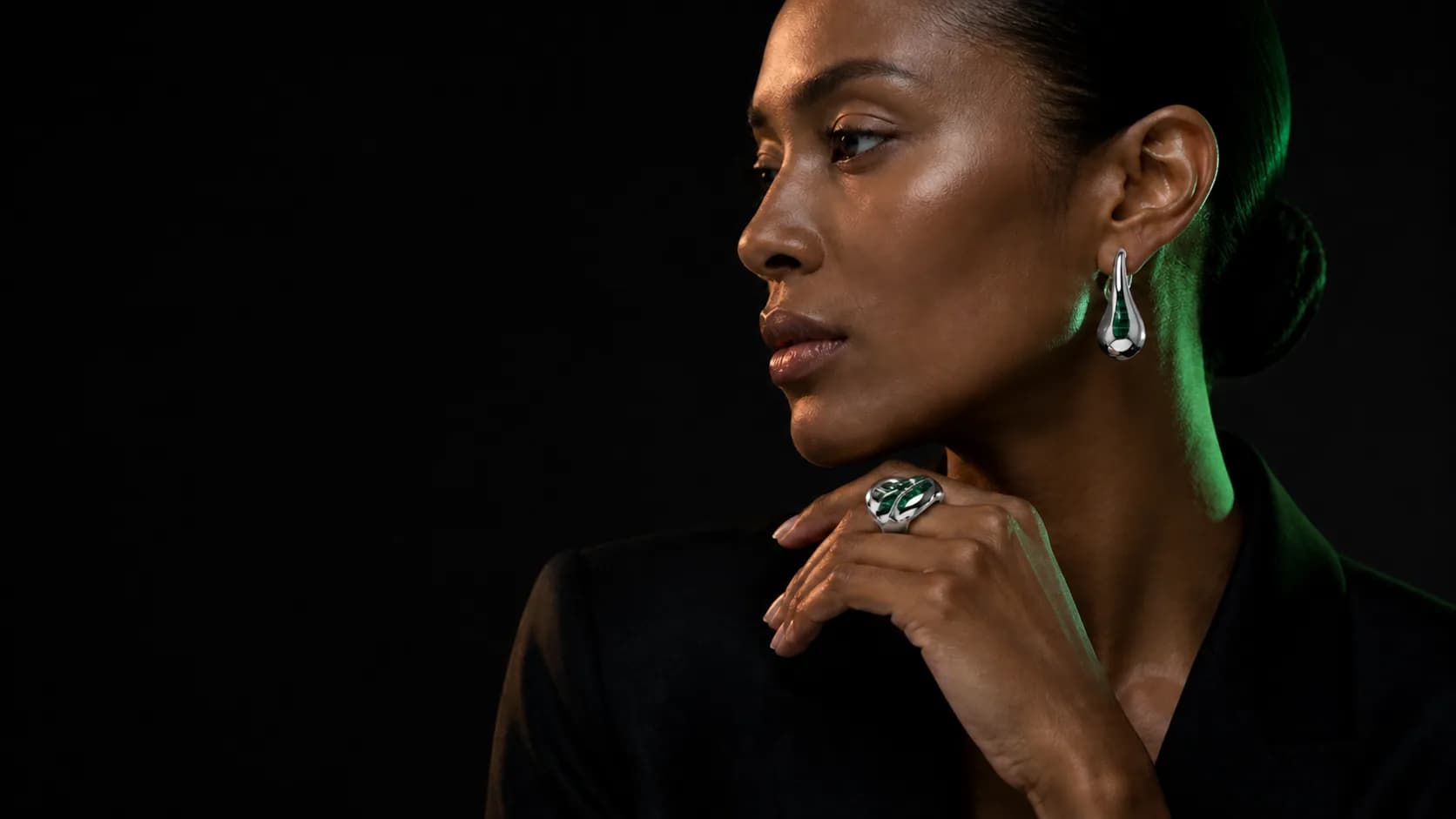

KINOAI turns the product material you already have into campaign assets for launches, stores, advertising and daily social publishing.
Choose a production planUpload a product photo, CAD render, sketch or existing campaign reference.
Start with a jewelry workflow for e-commerce, social campaigns, on-model imagery, product motion or a complete launch.
Generate clean product frames, on-model campaigns, material variants, promotional ads and product motion.
Export approved assets for your store, marketplaces, retail partners, paid campaigns and social calendar.
Product fidelity
KINOAI carries the silhouette, setting and defining details of your jewelry into product photography, ads and campaign imagery, so promotion does not change the product customers receive.
See the production workflow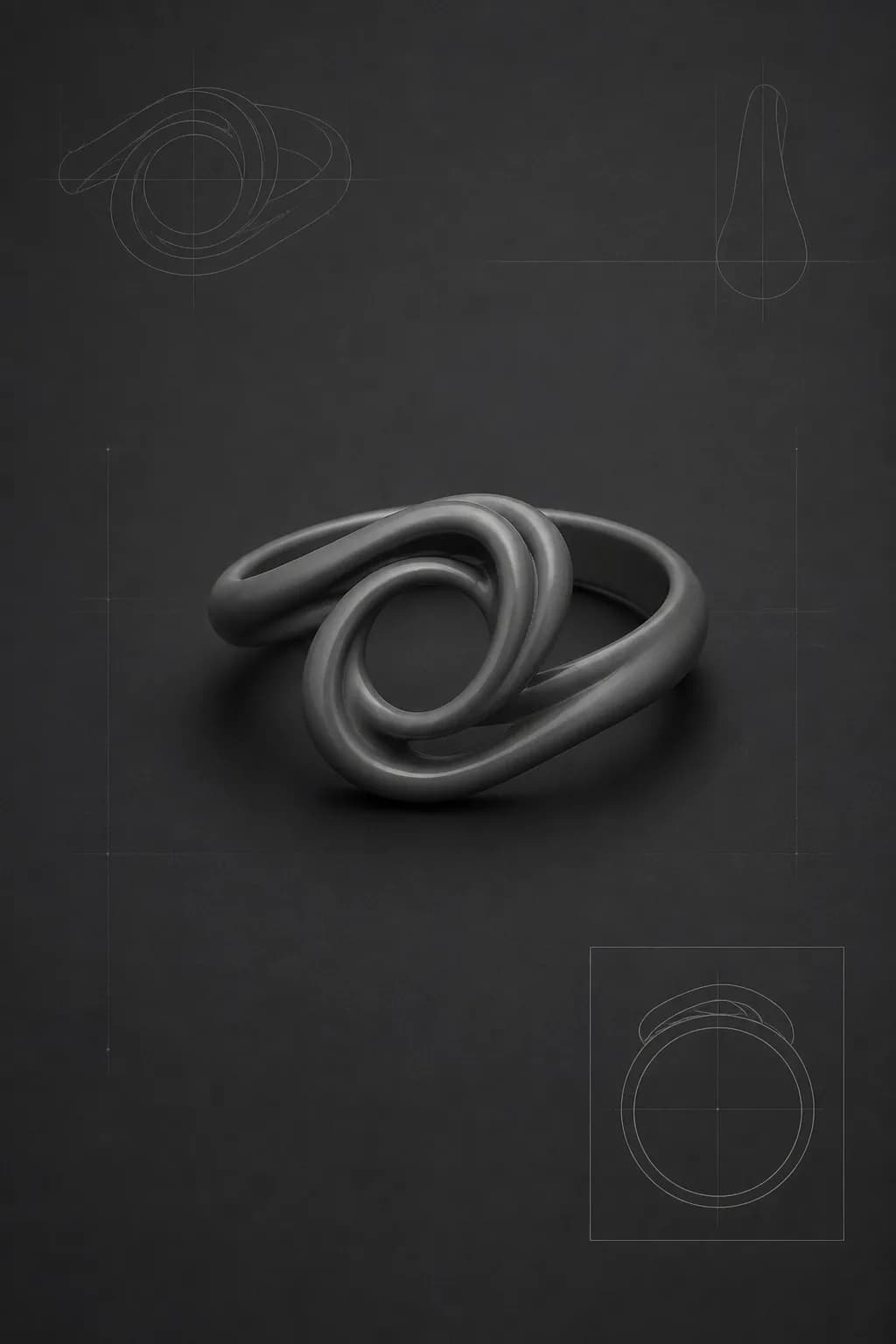
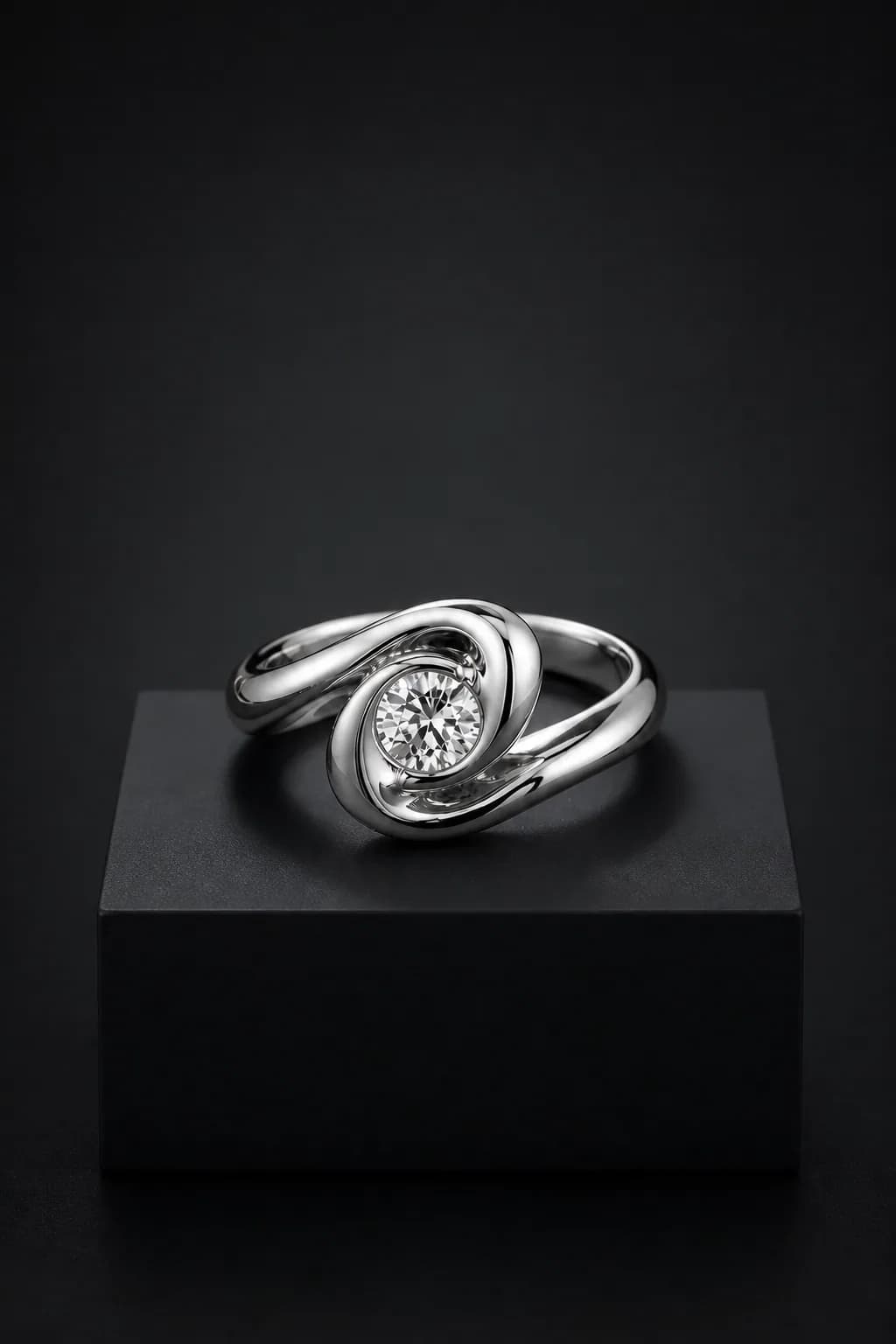
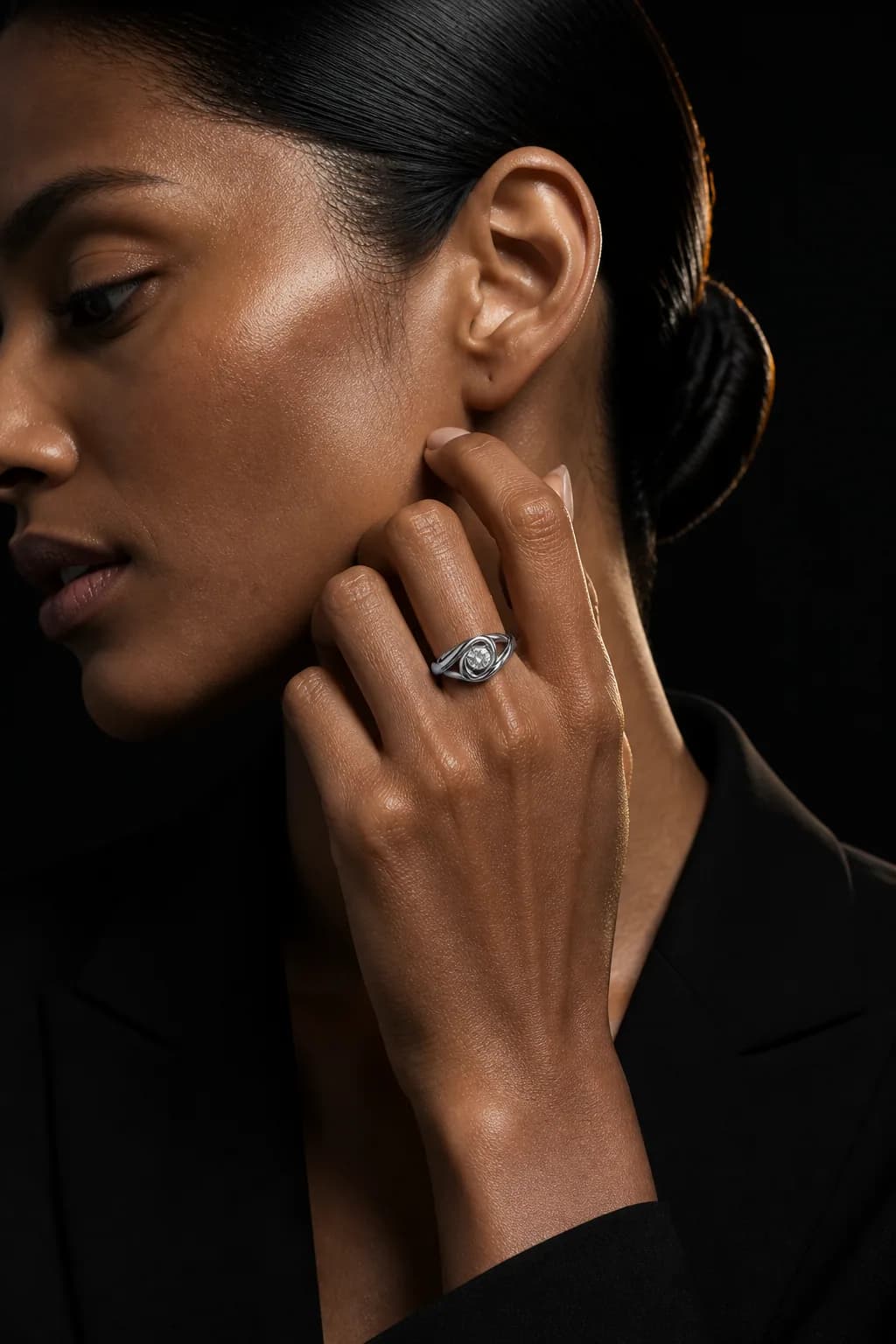
See how generation works
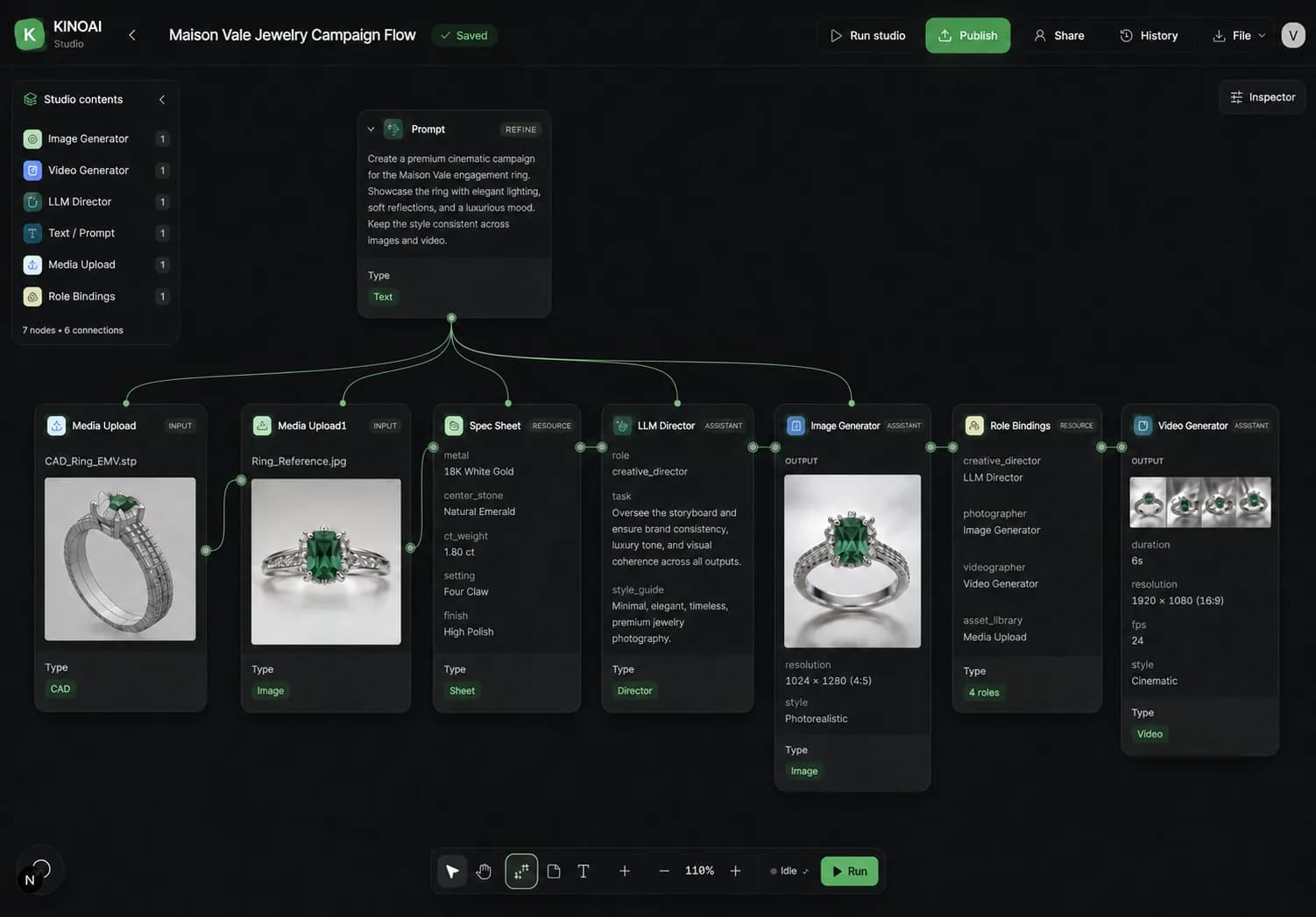
KINOAI keeps the workflow visible, so your team can understand what is being used, what is changing and which result is approved.

Attach the ring, describe the setting and generate a premium result with the product reference kept beside the output.

Paint the exact area that needs repair, describe the correction and regenerate only that selection without rebuilding the full image.
Built for the business of jewelry
Use AI and ready-made templates to keep product pages, campaigns and social channels supplied with fresh creative using fewer shoots and reshoots.
Start from CAD, renders or simple product photos and produce sales-ready creative before every sample is available.
Generate new angles, model imagery, metal variants, campaign scenes and video without rebuilding production each time.
Reuse approved jewelry references, actors and creative direction across product pages, ads, retailers and social channels.
Production savings
Estimate the production days you can replace. Each day represents one collection brief that can produce a batch of product stills, on-model images, social crops and short clips.
One production day means a collection-level content batch, not one image or video. Illustrative assumptions: $4,500 per conventional production day, $1,200 per model, KINOAI Scale at $149 per month, plus $25 per batch and $8 per model in estimated credits. Actual usage and savings will vary.
Choose your planWhat your team can publish
Produce the exact formats jewelry businesses need across commerce, campaigns and social.

The Canvas
Lay out references, CAD views, product shots and brand direction in one visual workspace. Build a reusable campaign system instead of starting every promotion from an empty prompt.
Start your first campaign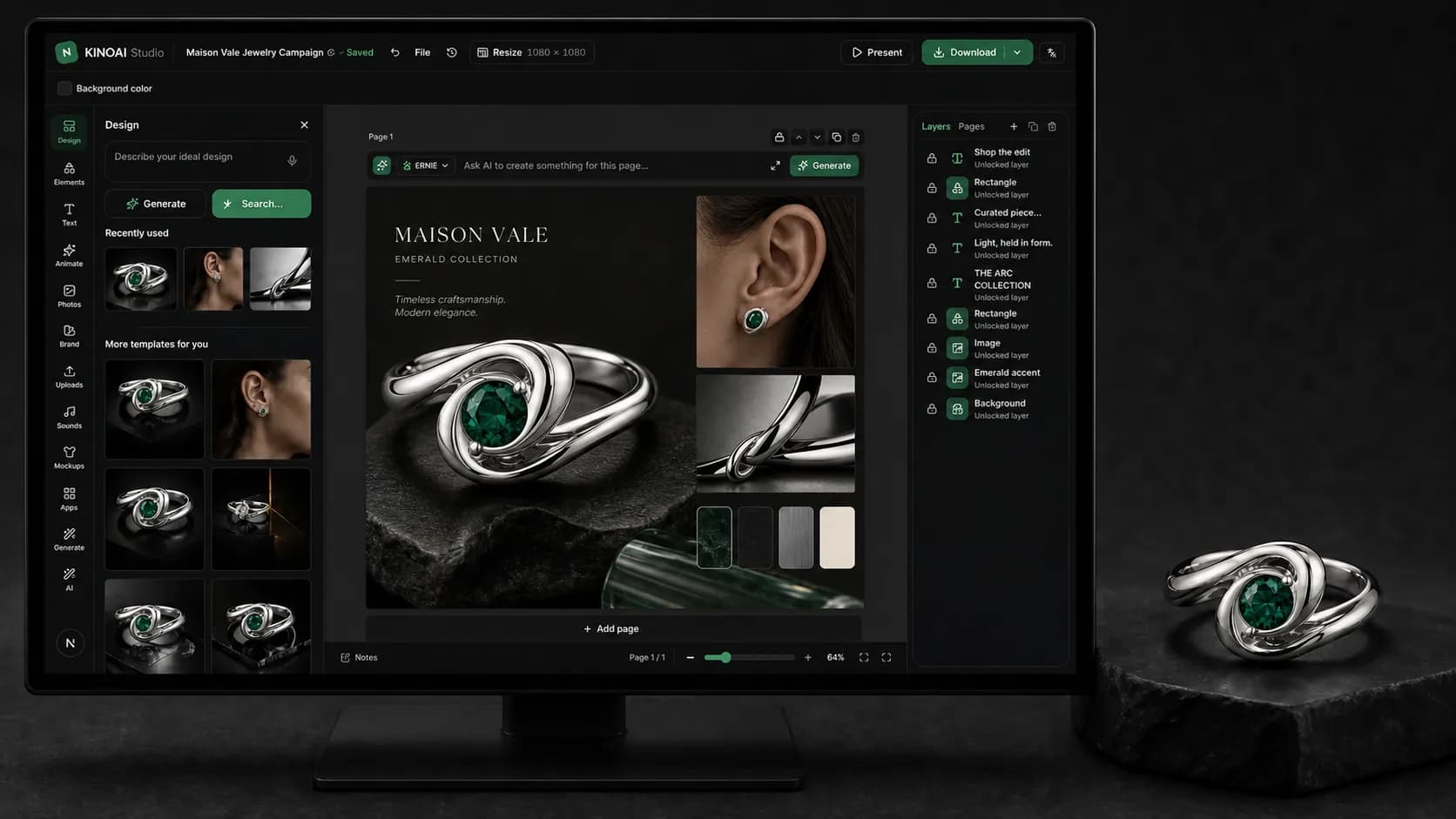
Compare references, product frames and approved campaign outputs side by side.
Apply the strongest direction to more SKUs, formats and promotional channels.
Move from product stills to ads, variants and motion without rebuilding the brief.
The complete KINOAI platform
Canvas organizes the collection. Templates remove setup. Chat directs revisions. Actors and Voice keep campaigns consistent. Studios generate the images and videos your channels need.
Actors and consistency
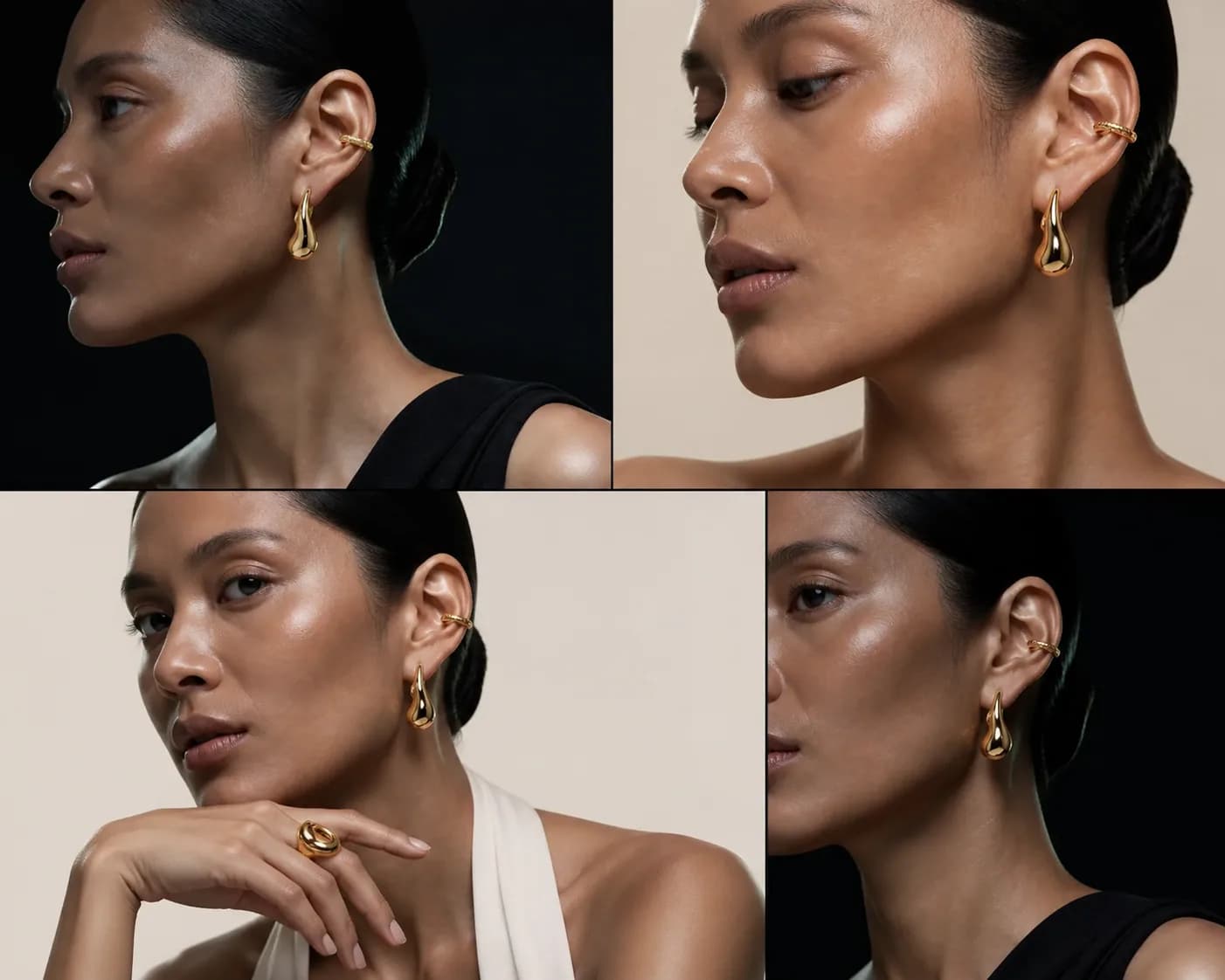
Create or cast an Actor once, attach the right jewelry reference, then generate new ads, launches and social scenes without recasting each production.
Chat and creative direction
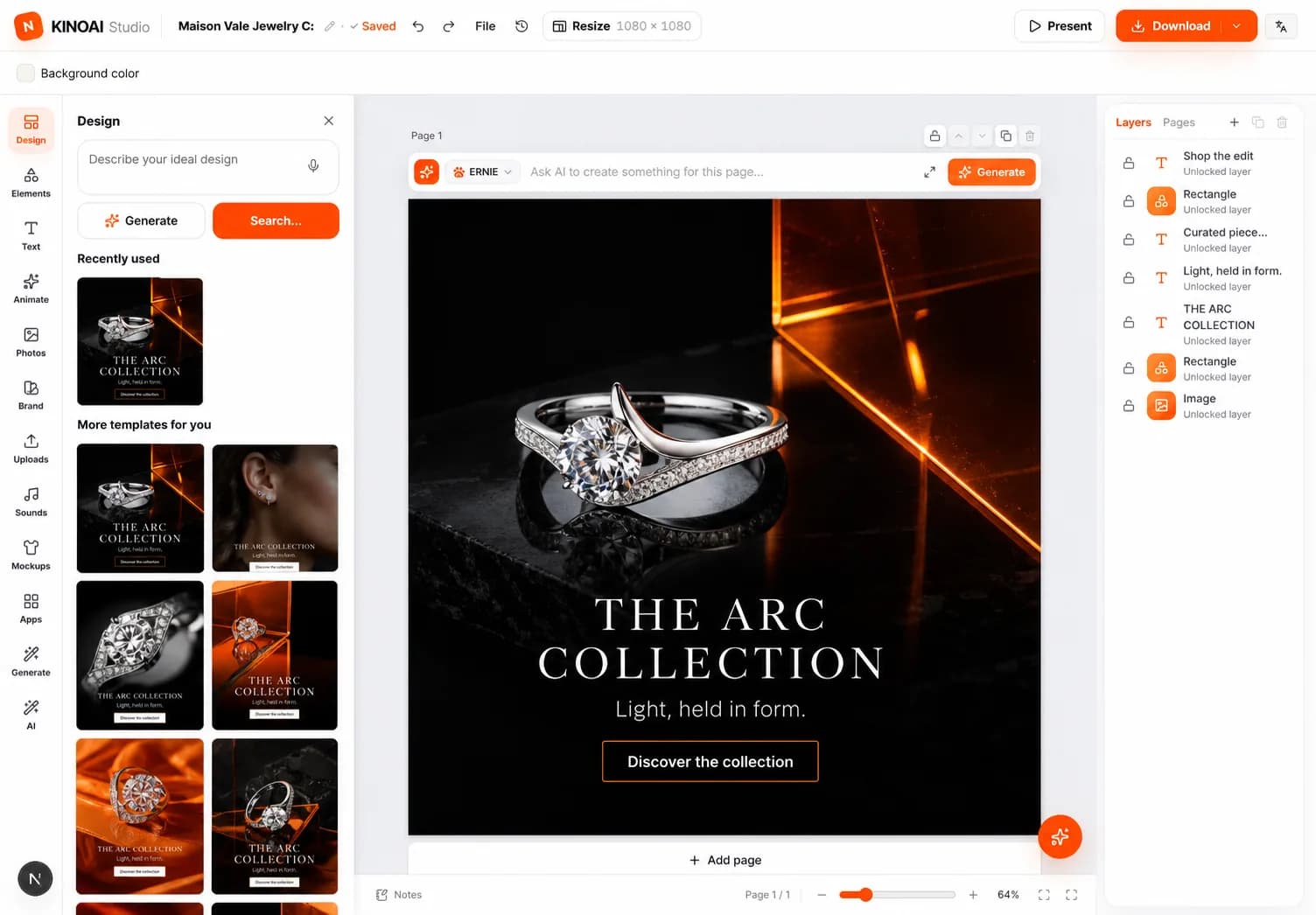
Reference a product, image or Actor in Chat. Request a new setting, a tighter crop, another metal, an ad format or a video version. KINOAI applies the direction inside the same campaign.
Voice and performance
Generate voiceover, choose a reusable voice and control delivery. Adapt one approved message into product explainers, paid ads and localized social versions.
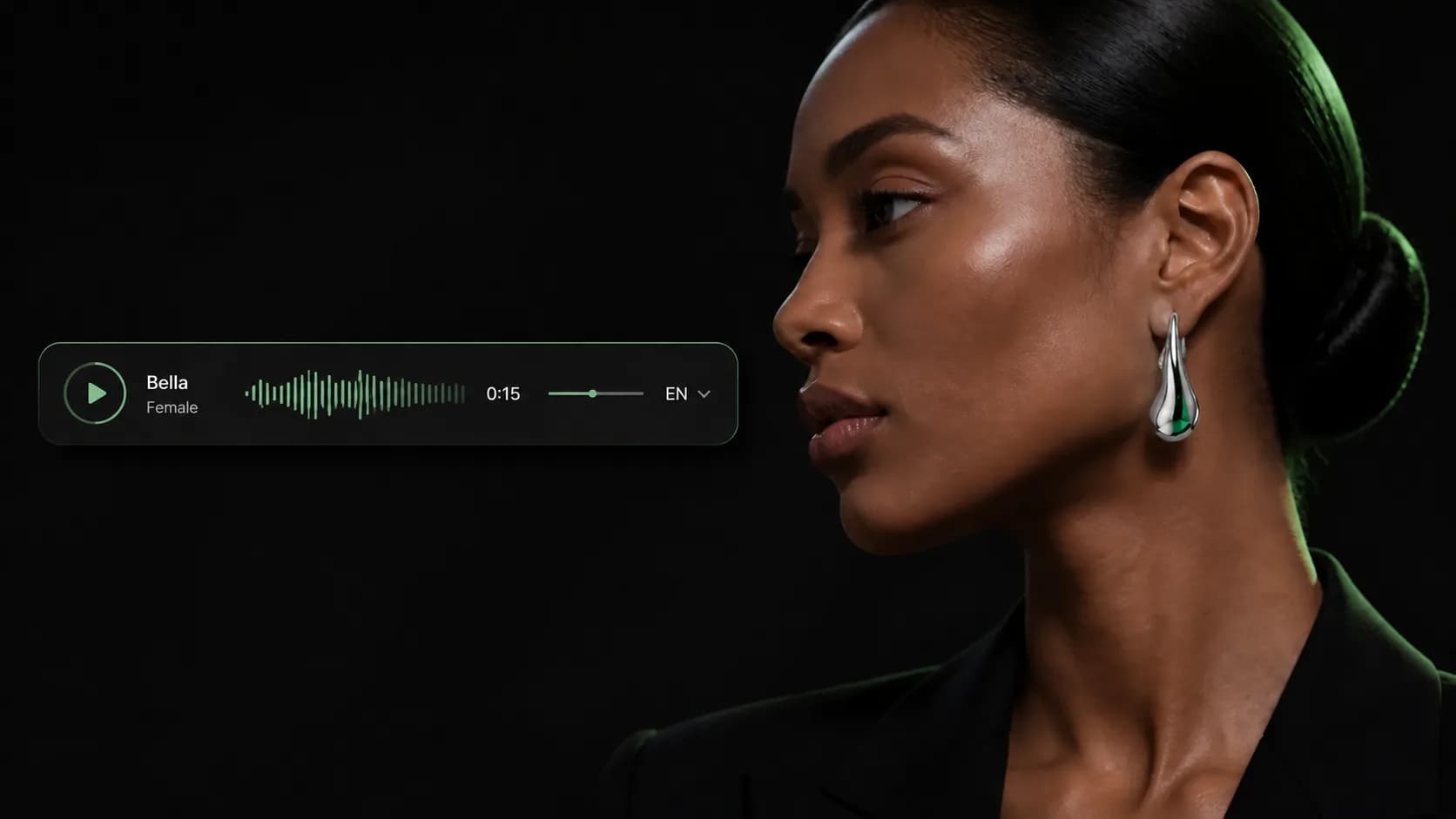
Promotional video made easier
Start from a ready-made video template, animate the approved product or campaign image, add voice when needed and export for promotion.

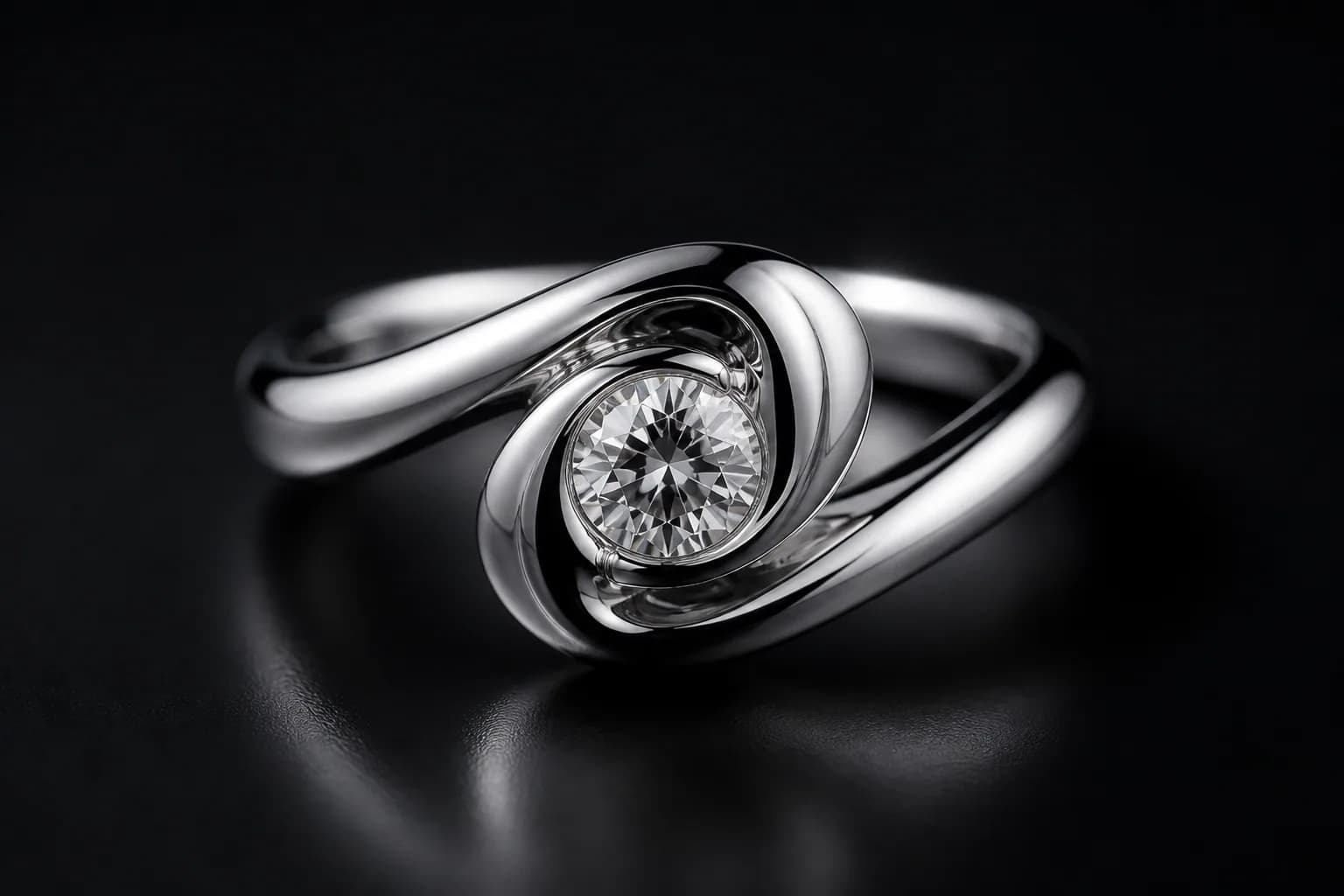
Generate a macro turn, light sweep or camera orbit that helps shoppers inspect the piece.
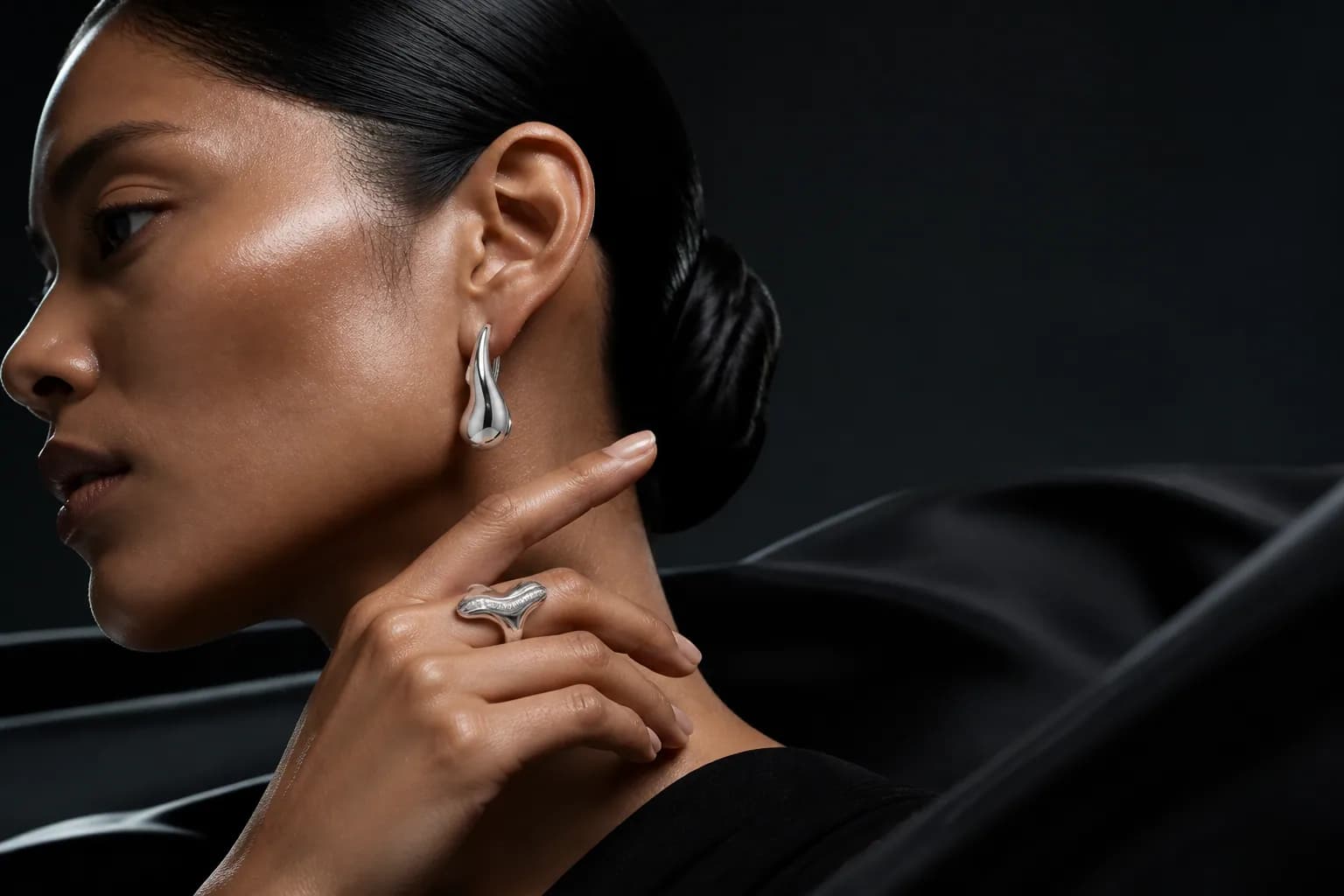
Animate an approved still into promotional formats while preserving the product and Actor.
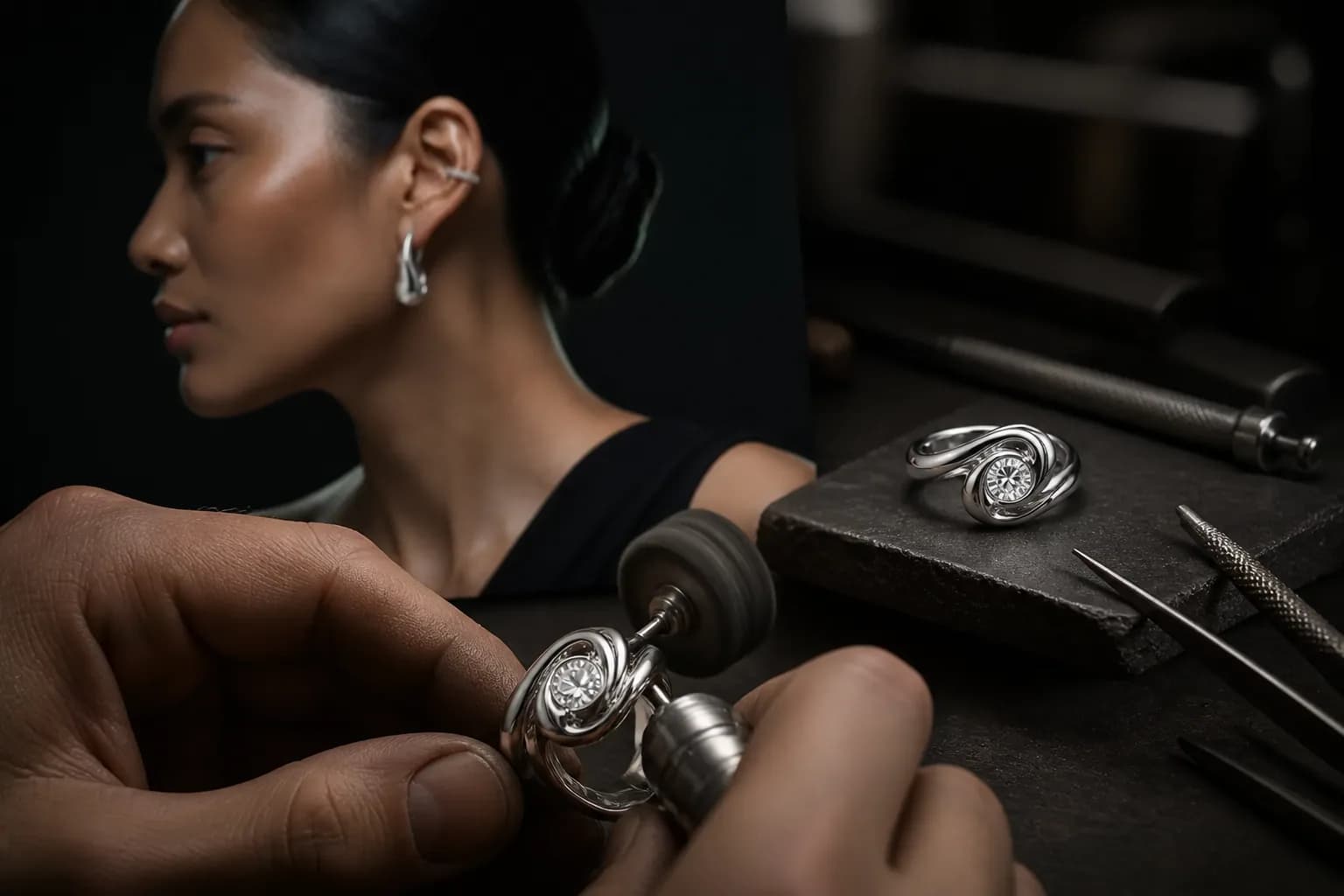
Combine product scenes, voice and music into a complete video for launches and brand promotion.
How KINOAI works
No complicated setup. Open a ready-made jewelry workflow, add your product, direct the result and export the approved campaign.
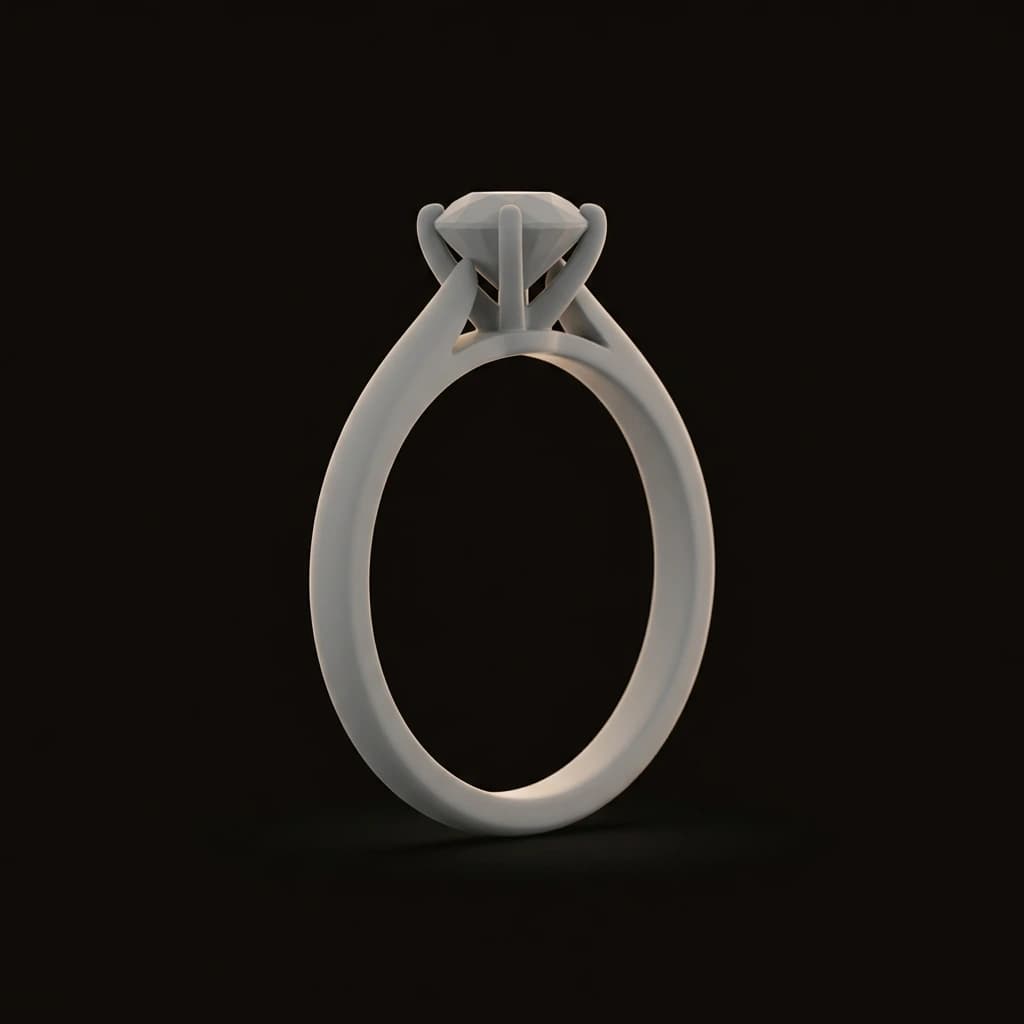
Add CAD, a gray render, a sketch or an existing product image. Keep every reference together on the Canvas.

Choose e-commerce, on-model, social campaign, video or 360. The right models and steps are already connected.
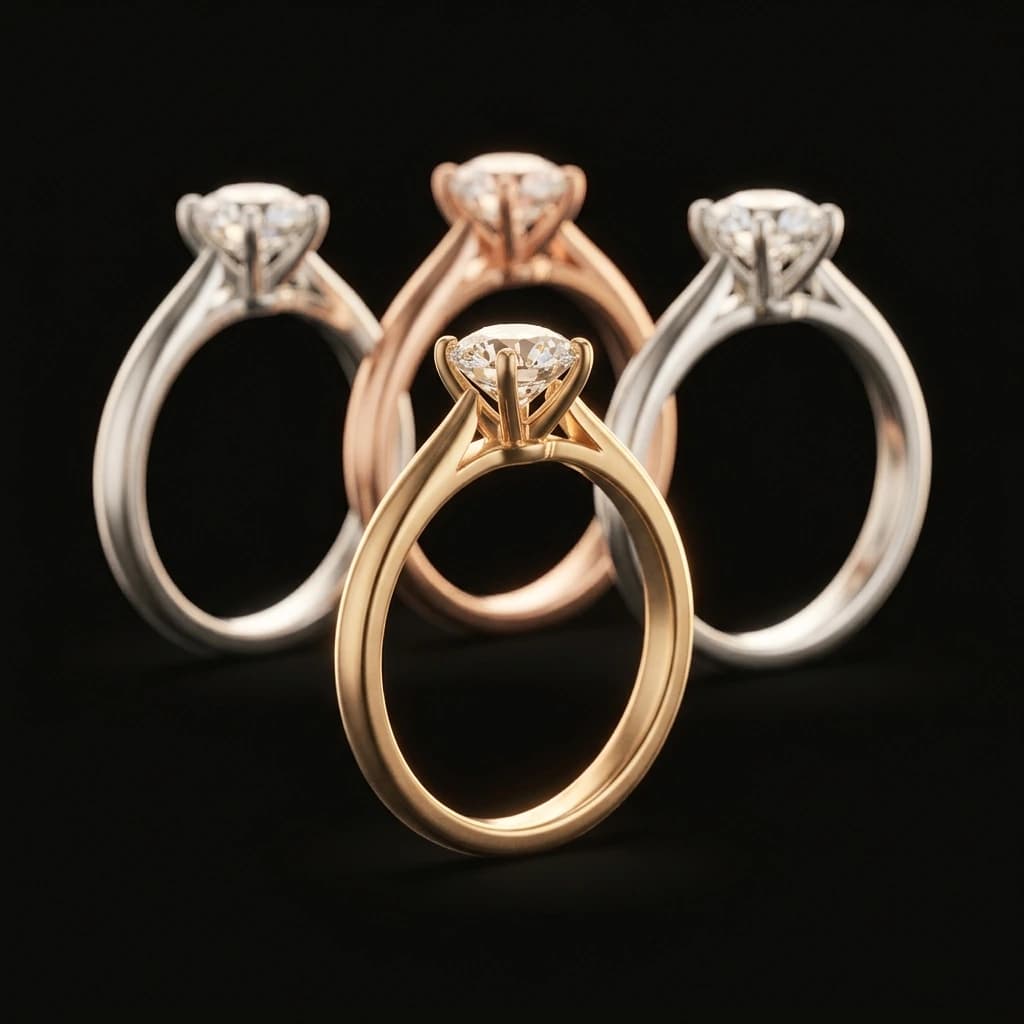
Keep the strongest results, build variants, add motion and export files for product pages, ads and social.
Ready-made jewelry templates
No blank page and no prompt expertise required. Each template opens with the right AI models, inputs and output formats for the deliverable.

Bring in the CAD file, build the 3D product frame, generate the complete 360 turn and send the same recognizable piece into an on-model campaign.

Ready-made launches, ads and social scenes built around one piece
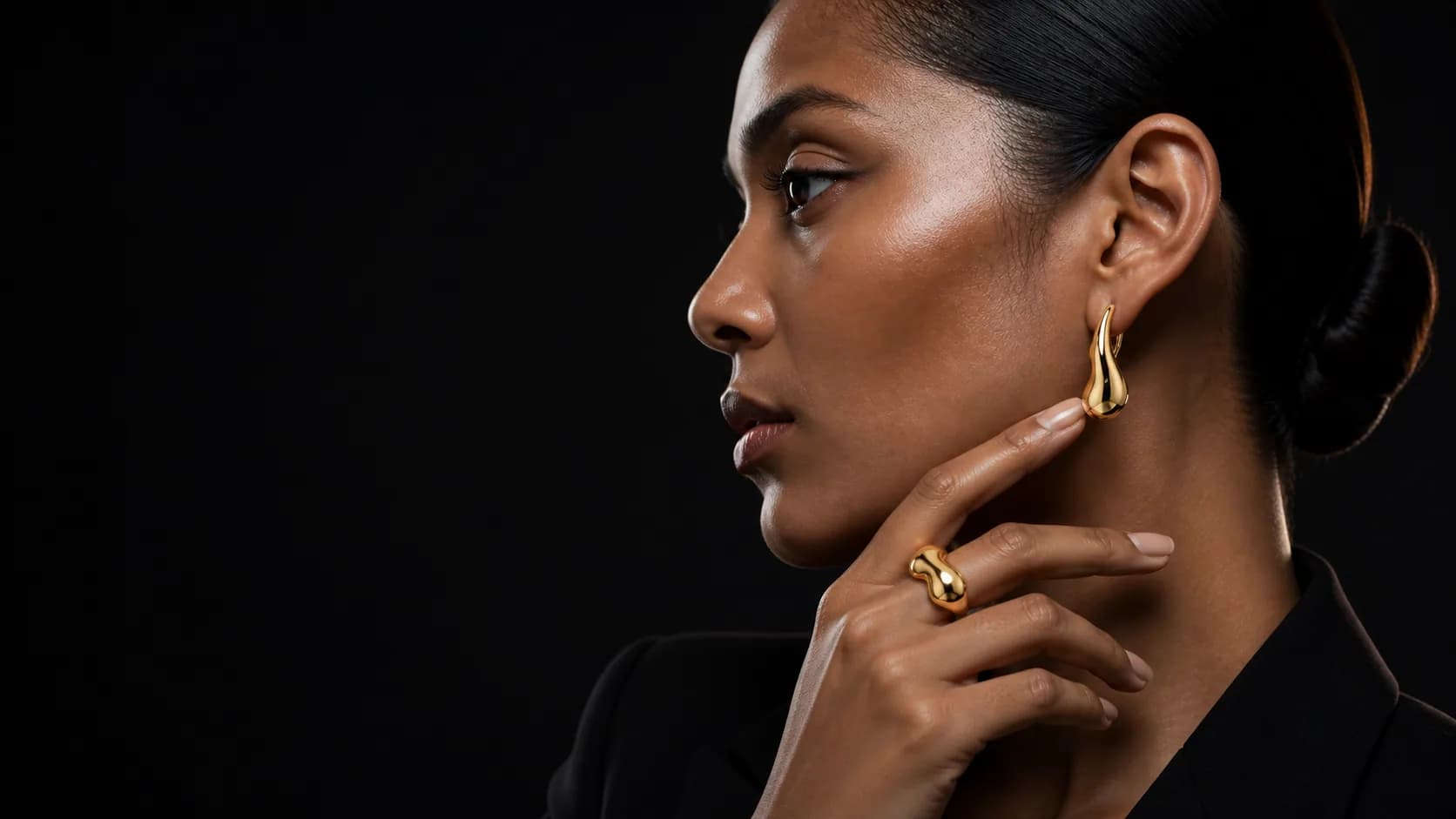
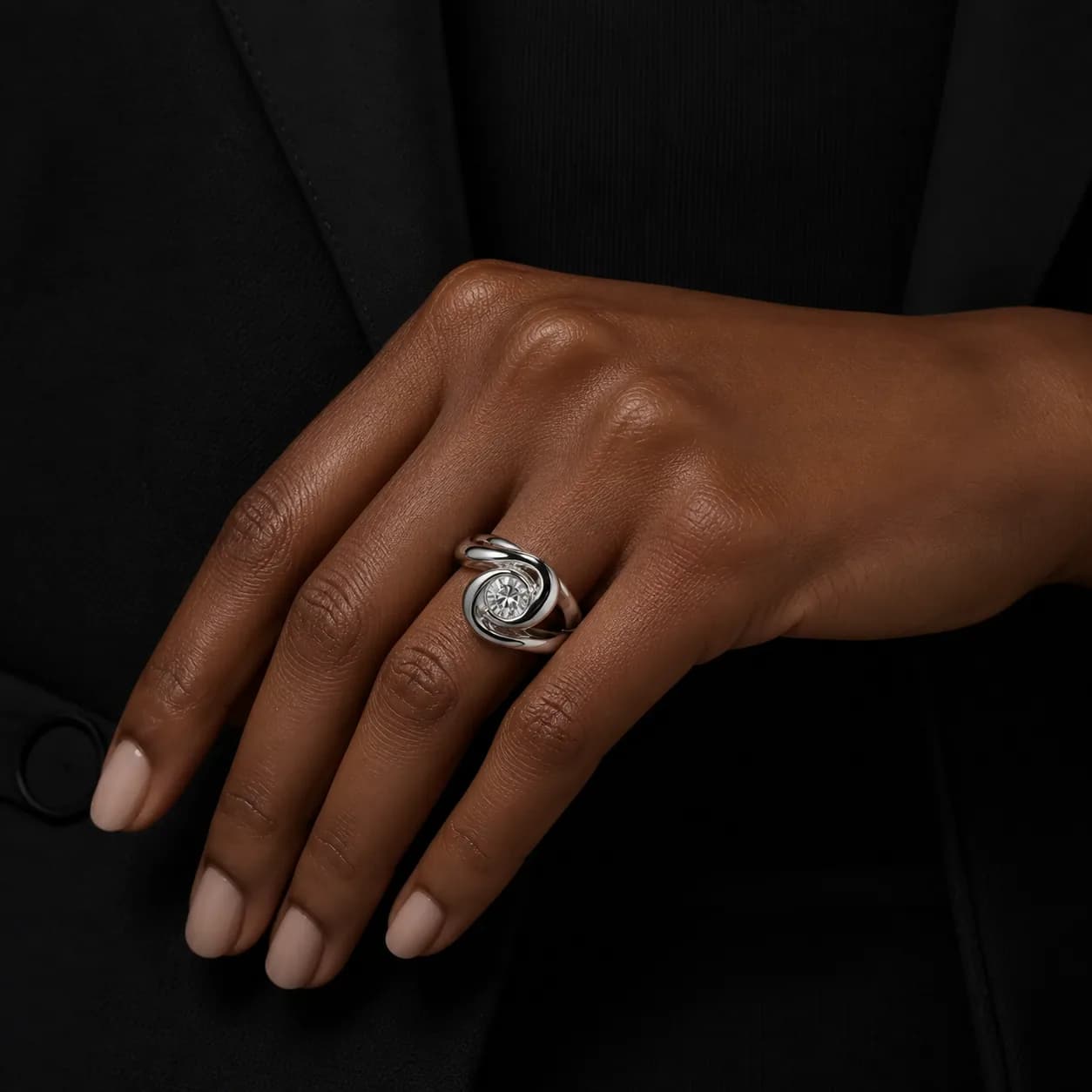
Generate neck, wrist, hand and ear imagery with a consistent cast
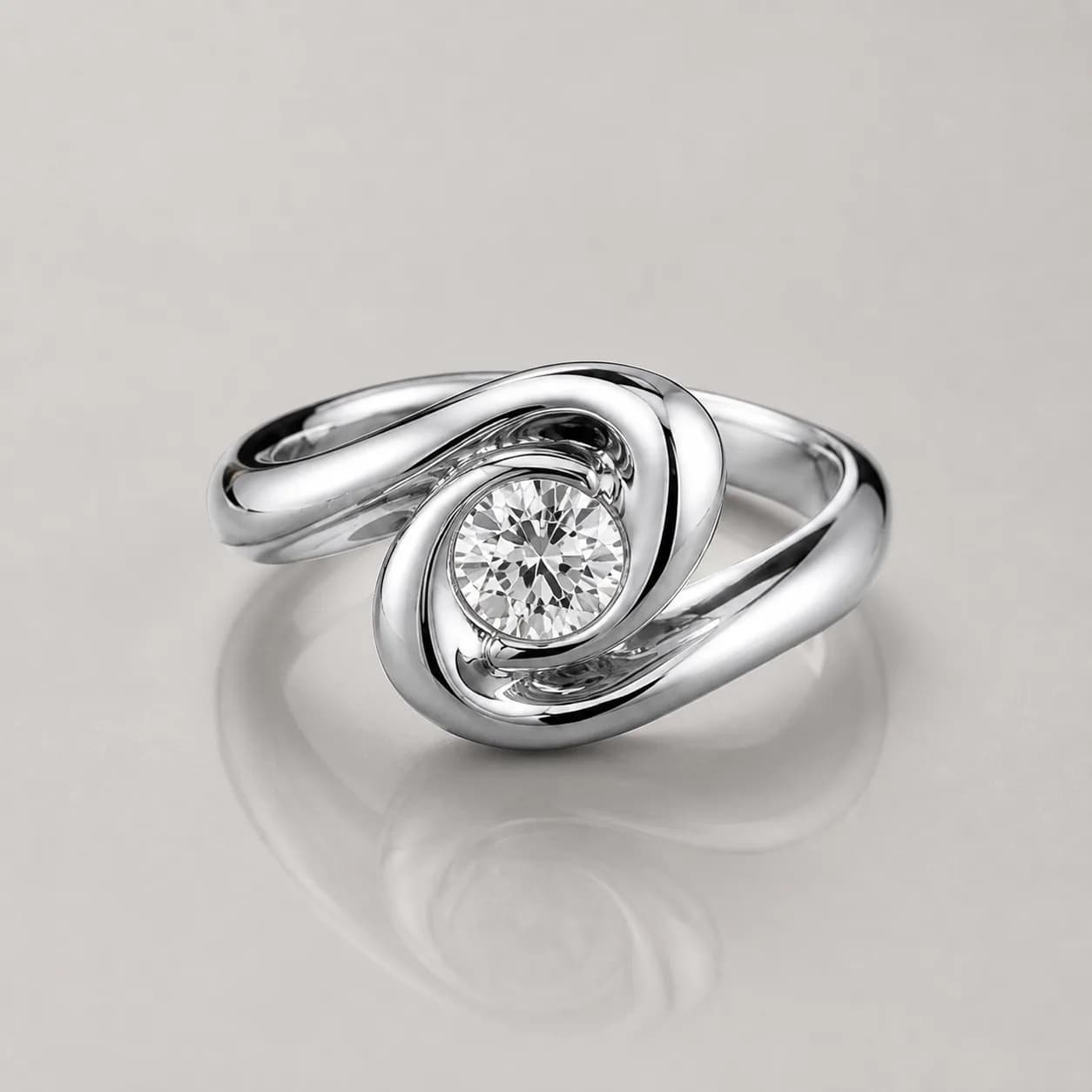
Create matched catalog angles and retailer-ready product images
Turn a product reference into motion for stores, ads and social
Promote everywhere
Turn one approved product into store imagery, campaign creative, ads and social content in the formats your channels require.
From CAD to 360 animation
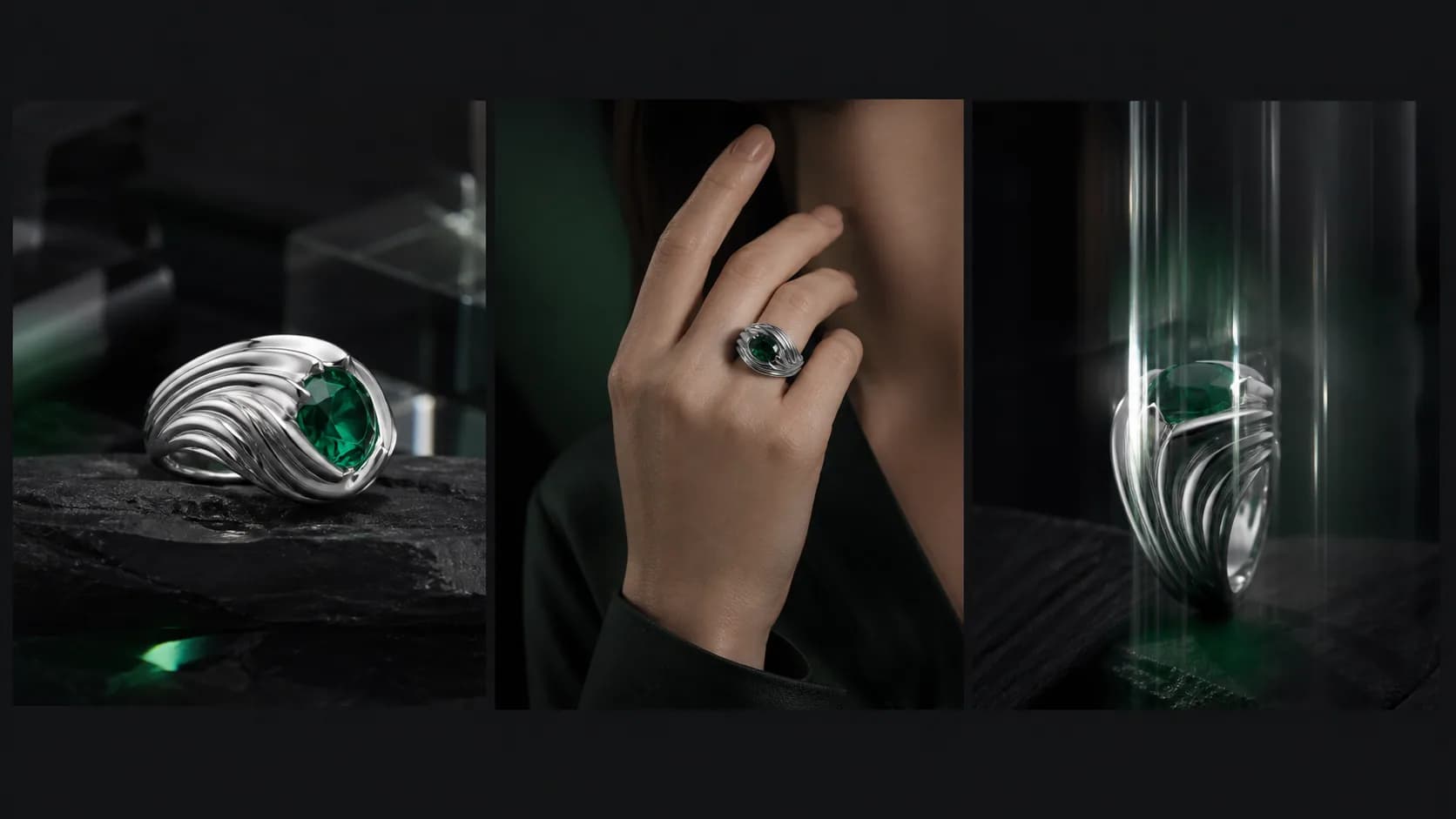
Send the approved 3D product frame into the 360 Studio. KINOAI generates consistent angles, assembles the motion and keeps the piece ready for the next on-model node.
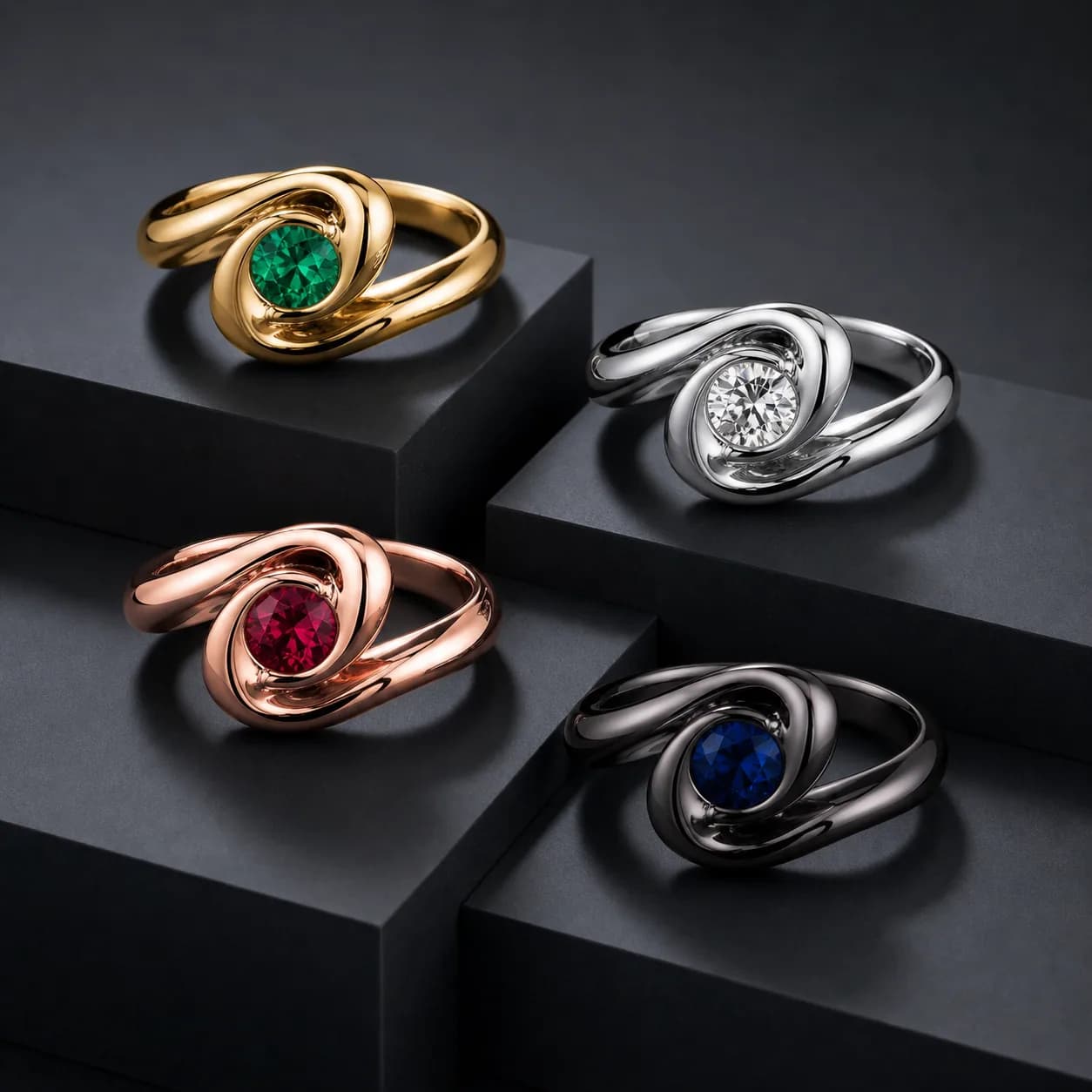
Variants without reshoots
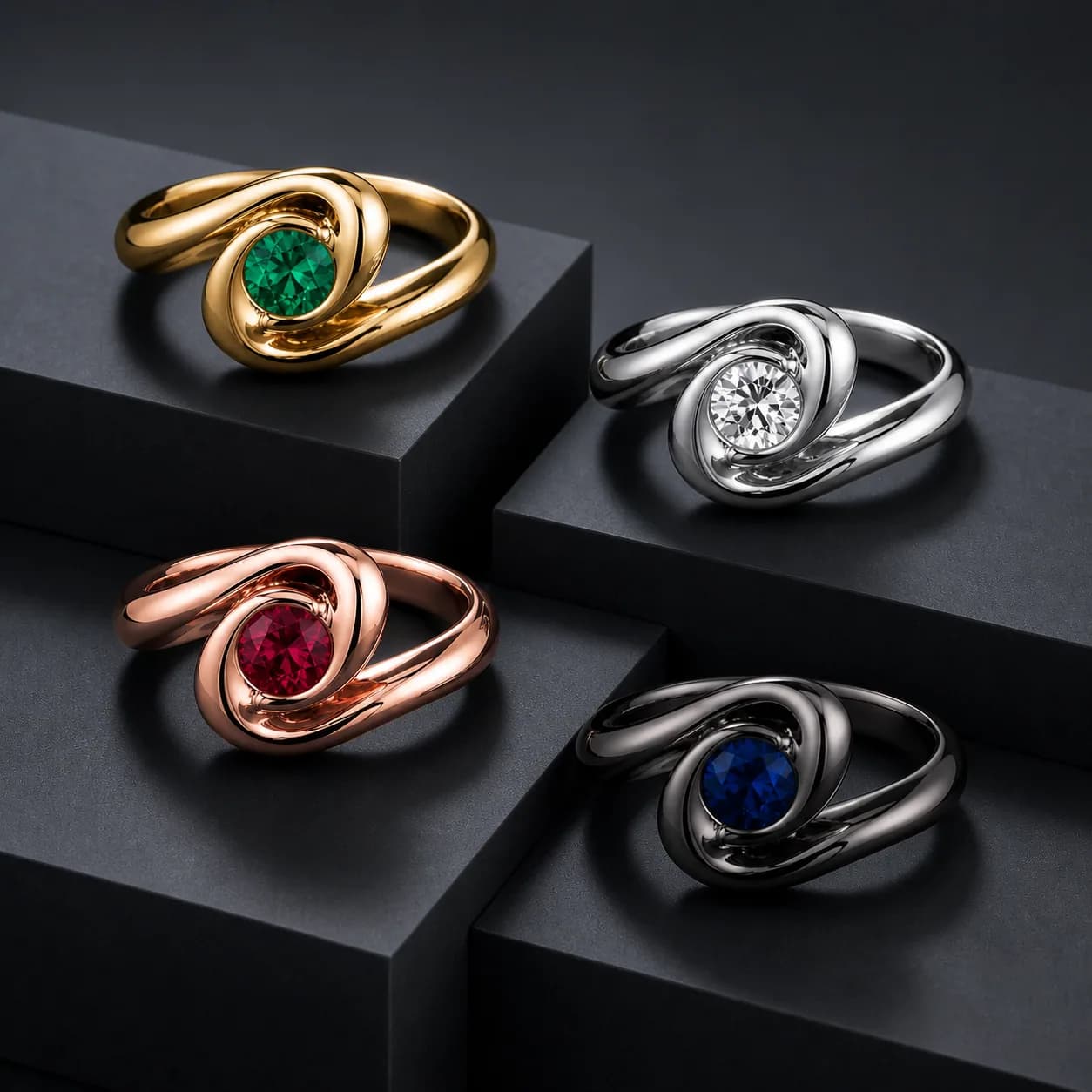
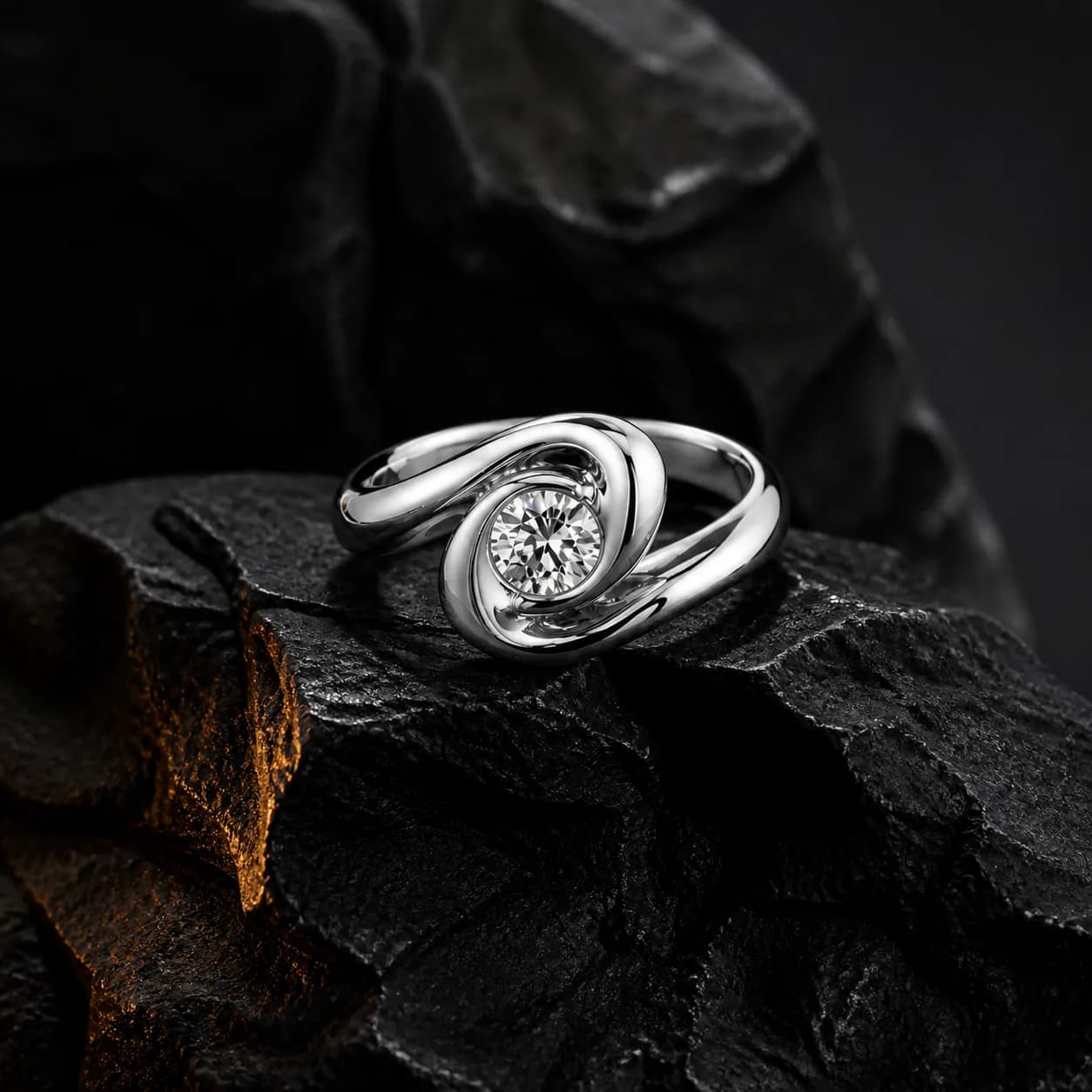
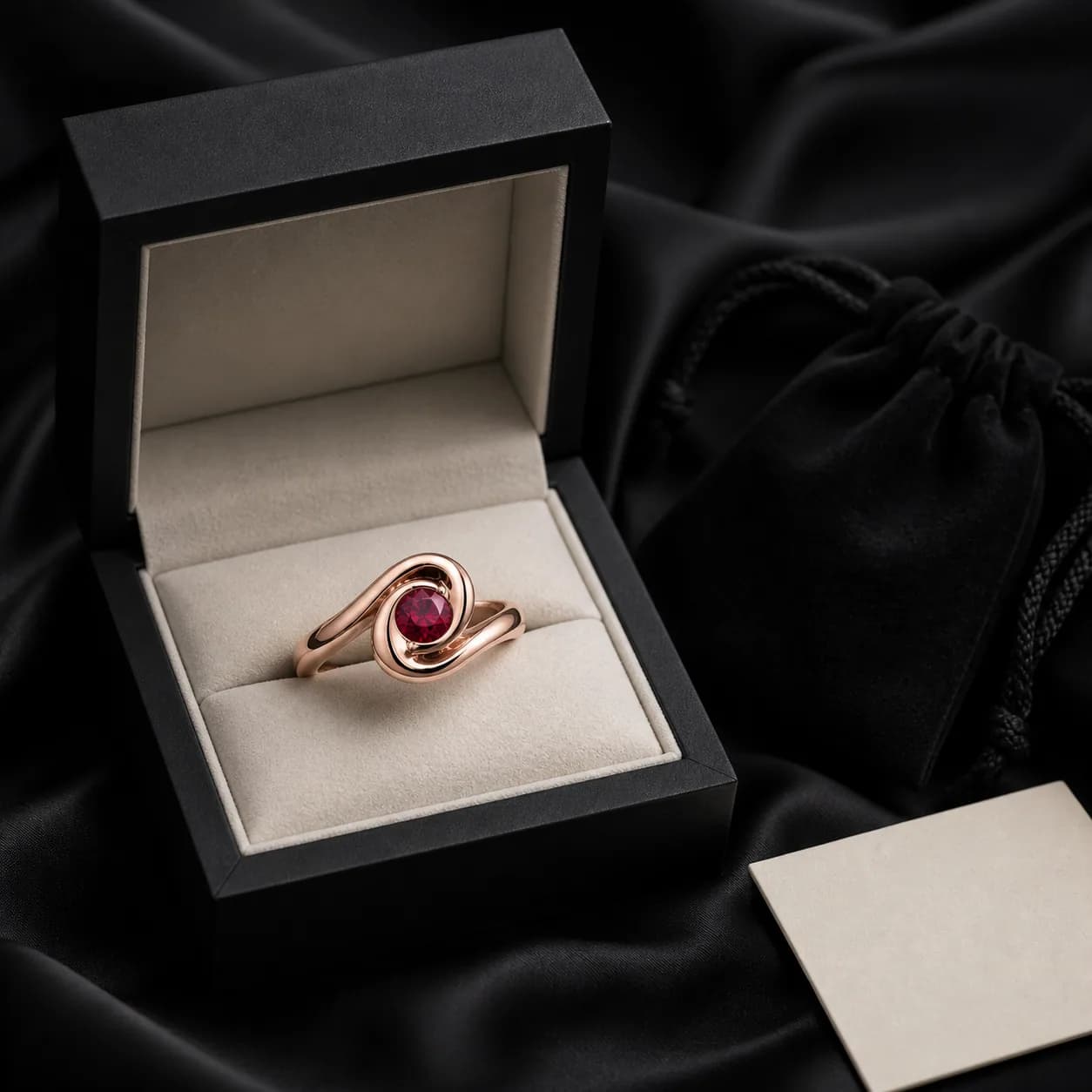
Explore the collection before production or merchandise every finished SKU. The silhouette stays stable while metal, stone and art direction move.
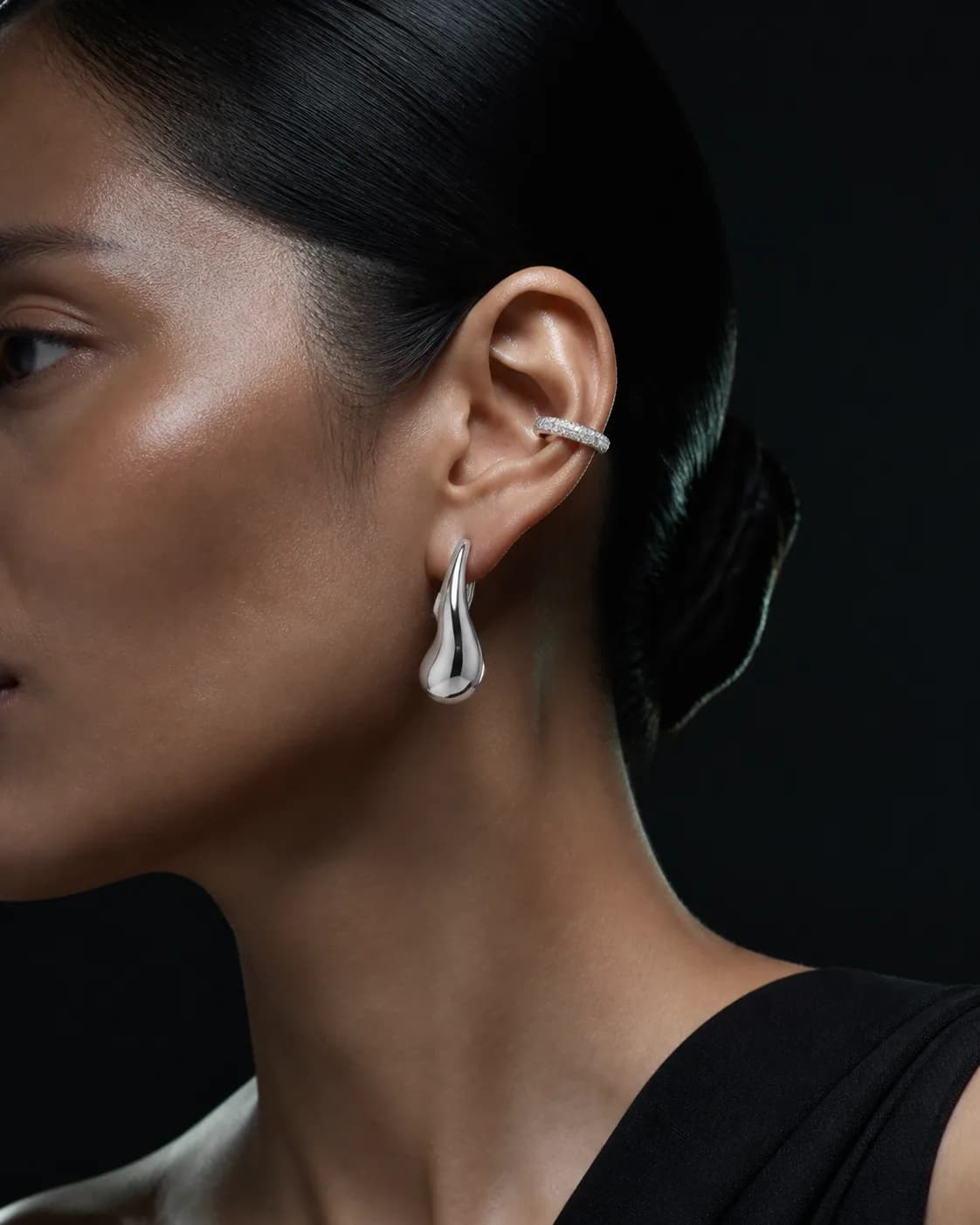
From product to campaign
Create polished hand, wrist, neck and ear imagery without waiting for the next production day. Art direct the cast, crop, light and setting from the same workspace.
Start creating and promoting
Every plan includes Canvas, ready-made Jewelry Studios, image generation and promotional video workflows. Choose the credit level that fits your content calendar.
Loading plans… View plans
Need more output? Explore credit packs
Questions before you buy
Clear answers about templates, promotion, product fidelity, pricing and teams.
No. Start from a CAD export, gray render, sketch or product photo. The right input depends on the studio you choose.
The jewelry workflows are built to preserve the piece. Geometry, silhouette and defining details stay anchored while you change the scene, model, metal or stone.
No. KINOAI is a paid production platform. Choose a monthly plan to receive credits and run image or video models.
Catalog angles, campaign stills, on-model images, material variants, packaging, scale references, retouched photos and 360 degree motion.
Yes. Check the current plans for team roles, shared studios, pooled credits and centralized billing.
Each plan includes credits. Different image and video models consume different amounts, and you see the estimated cost before running a node.
No. Ready-made Jewelry Studio templates already contain the workflow, models and output structure. Add your product, choose a direction and adjust only what matters.
Yes. Export campaign images, social formats and video creative for your store, marketplaces, retailer presentations and paid promotion, subject to the terms of your plan and selected model.
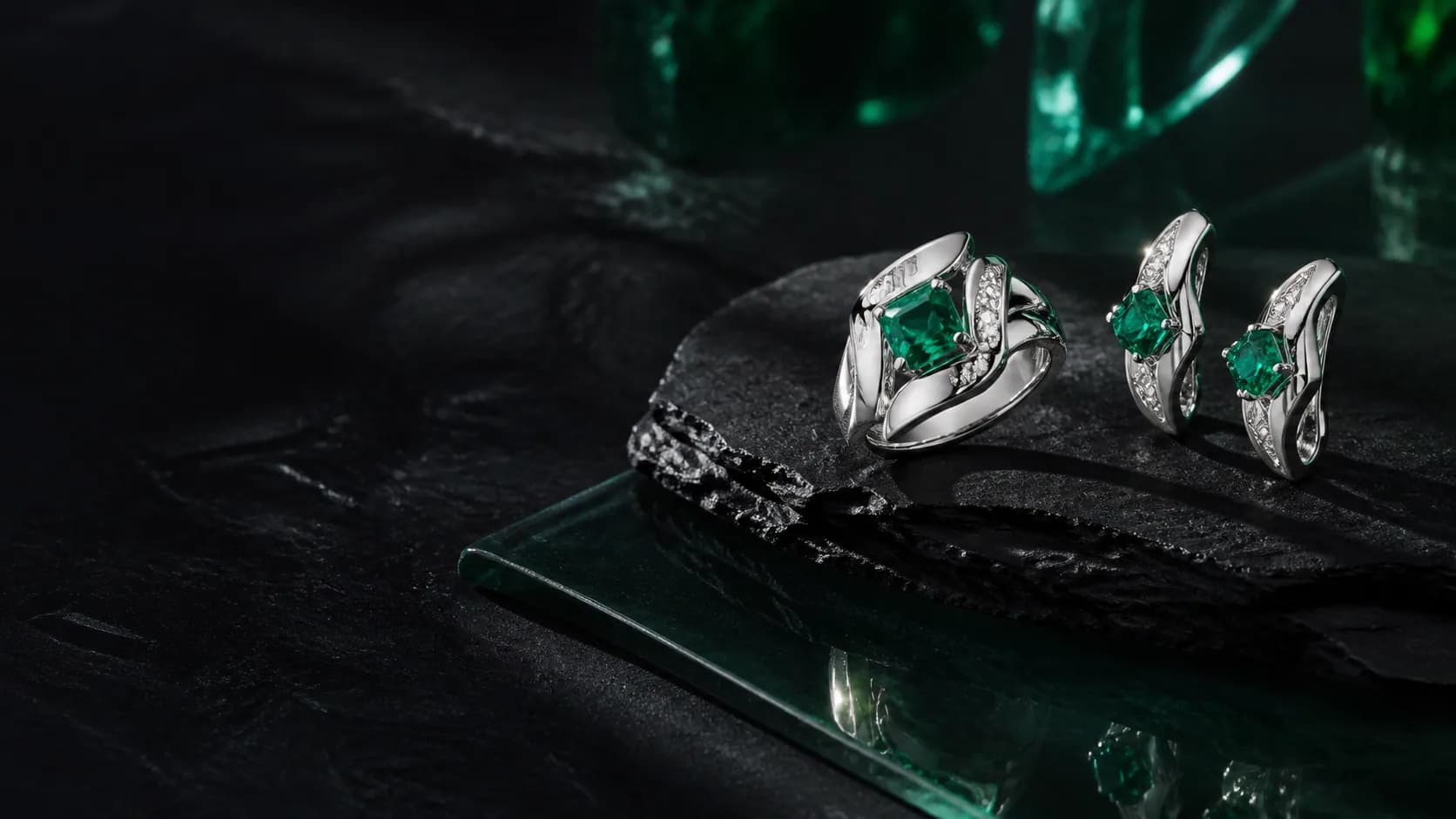
Your next promotion starts here
Upload your first product, choose a ready-made template and generate the images, ads and videos your business needs.